Chair & Table
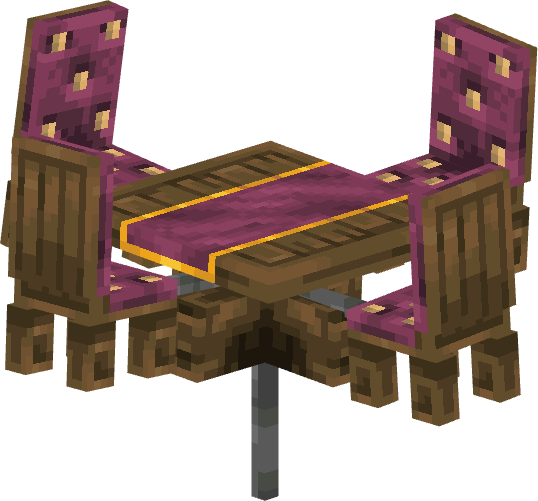
Animation presets
01
Shake
02
Levitate then Fall
03
Levitate & Rotate then Fall
How to place it
01
Place an Animatronic Stand
Put the stand where Chair & Table should appear.
02
Pick the character
Use a Coaster Brush on it and choose Chair & Table, under Horror.
03
Pick an animation
Use a Coaster Wrench on it and choose one of the presets above.
04
Send it a signal
Power the stand with a signal key and it plays that animation instead of standing idle.
A Track Sensor on the rail is the easiest way to make it react as a car goes past. See Redstone Signals.
See every character on Animatronics.