Mummy
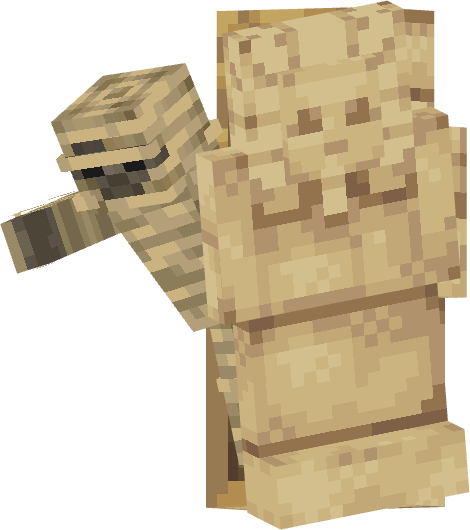
Animation presets
01
Tomb Opens & Mummy Stares
02
Grab from the Side
03
Walk Straight
How to place it
01
Place an Animatronic Stand
Put the stand where Mummy should appear.
02
Pick the character
Use a Coaster Brush on it and choose Mummy, under Egyptian.
03
Pick an animation
Use a Coaster Wrench on it and choose one of the presets above.
04
Send it a signal
Power the stand with a signal key and it plays that animation instead of standing idle.
A Track Sensor on the rail is the easiest way to make it react as a car goes past. See Redstone Signals.
See every character on Animatronics.