Control Panel

Control Panel is the switchboard for your park. It is where you create and press the signal keys that everything else listens for.
One panel holds as many keys as you need. Interact with it to open the list and press them.
Each key is one of two kinds:
Button
A quick pulse. Turns the key on for 10 ticks, then off again.
Lever
Stays on until you turn it off. Shared with every other lever on the same key.
Add a key with + Add Signal Key, giving it a name and an icon. Delete one with - Remove Signal Key.
New to signal keys? Start with Redstone Signals.
Recipe

Crafting Table
Craftable at the Coaster Crafter
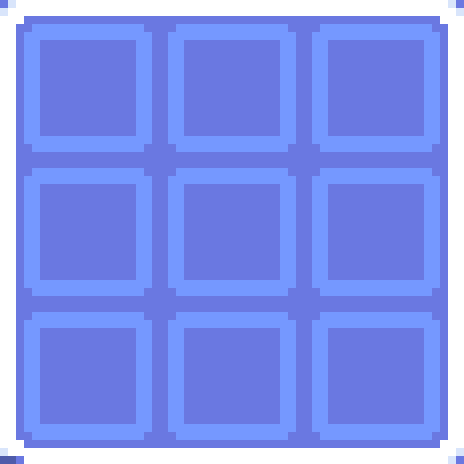

Lever
Lever
Lever

Iron Ingot
Iron Ingot
Iron Ingot

Redstone
Redstone
Redstone


Control Panel
Icon Picker
Registering a new key opens a 19-icon picker. The icon is purely cosmetic — it labels the key for you and changes nothing about how the signal behaves.


