Coaster Car


Coaster Car is the item that puts cars on your track.
Use it on a rail to create a car. Use it again on that car to add another one behind it, making a train.
Interact with a car to ride it, sneak to get off, and jump to change camera.
Making a train
Each use of the item on the back of a train adds one more car.

A train takes 6 cars behind the front one by default. Raise that with Max body cars per train in Coaster Settings.

Three things won't work:
- Putting a car on a rail that already has one.
- Adding to a train that is moving too fast — bring it to a stop at the station first.
- On Pro Rails, placing a car anywhere but on a Coaster Anchor. The track between anchors takes none.
Recipe

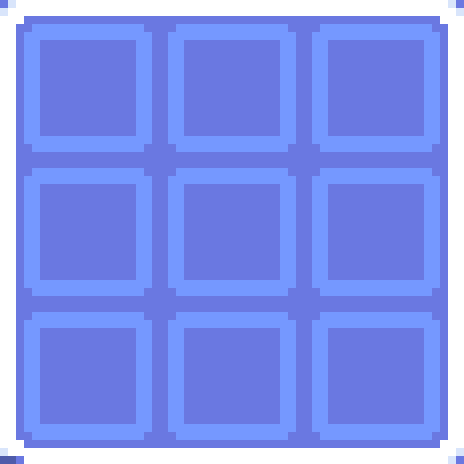



Car type
You don't pick the type. The game reads the rail you placed it on.
| Where you place it | Type | Seats |
|---|---|---|
| Normal track | Ground | 1 or 2 |
| Rail on a ceiling | Ceiling | 2 |
| Flat rail on a wall | Wall | 3 |
Cameras
Jump while riding to cycle the view:
| View | What you get |
|---|---|
| First person | From the seat. |
| Third person, near | Just behind the car. |
| Third person, far | Pulled back over the whole train. |
| Hood | Down on the nose of the car. |
| Cinematic | A swinging, filmed angle rather than a fixed one. |
One more sits outside that cycle. Advanced camera becomes available once you have started a recording from a Station Rail, which is where it is set up.
Your rider
Both of these live in Coaster Settings:
- Rider skin — change how you look while you are riding a car.
- Action bar — choose whether your speed and your G-force are displayed while you ride.
Moving a car
Put a lead on a car to pull it along. It is the simple way to shift one a few blocks without taking it off the track and placing it again.
Car styles
Interact a car with the Coaster Brush to restyle it — the brush is the look, as everywhere else. The Coaster Wrench is the settings menu: it removes the car, and adds or removes its visitors.
Ground cars pick a body shape first — Classic, Two-Seat or Theme. Ceiling and Wall cars go straight to color, since each has only one shape.
All types end on the same 6 colors.
Ground — Classic (1 seat)


Ground — Two-Seat


Ground — Theme


Ceiling and Wall cars share the same 6 colors (Red, Blue, Green, Yellow, Black, White) but use their own body texture, not shown here.